How to check apple gift card balance
- Online: You can visit the Apple website and go to the “Check Your Apple Gift Card Balance” page. You’ll need to enter the gift card’s code and security code to see the current balance.
- Via Apple Store app: If you have the Apple Store app installed on your iOS device, you can check your gift card balance there. Navigate to the “Account” section and select “Gift Cards.”
- In-store: You can also visit any Apple Store location and ask an Apple Store employee to check the balance for you. They’ll be able to assist you with this.
Regardless of the method you choose, you’ll need the gift card’s code and security code to access the balance information.
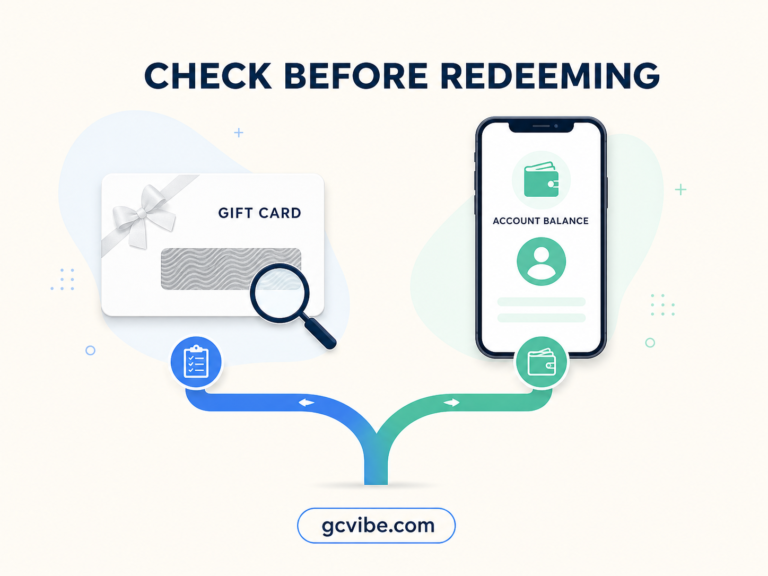
How to check an Apple gift card balance without redeeming
The available method depends on the card type and country or region. Use the balance-check link printed on the card or Apple’s official balance page where offered, and do not enter the code on a third-party website. For a fuller explanation, read How to Check Apple Gift Card Balance Without Redeeming It.
How to review purchases after redeeming a card
An unredeemed gift card does not provide a purchase-history list. After redemption, its value becomes part of your Apple Account balance. Apple lets you review App Store and media purchases at reportaproblem.apple.com or through Purchase History on your device, but that history may also include purchases funded by other payment methods.
See Apple’s guides to checking Apple Account balance and viewing purchase history.